01
Observe form
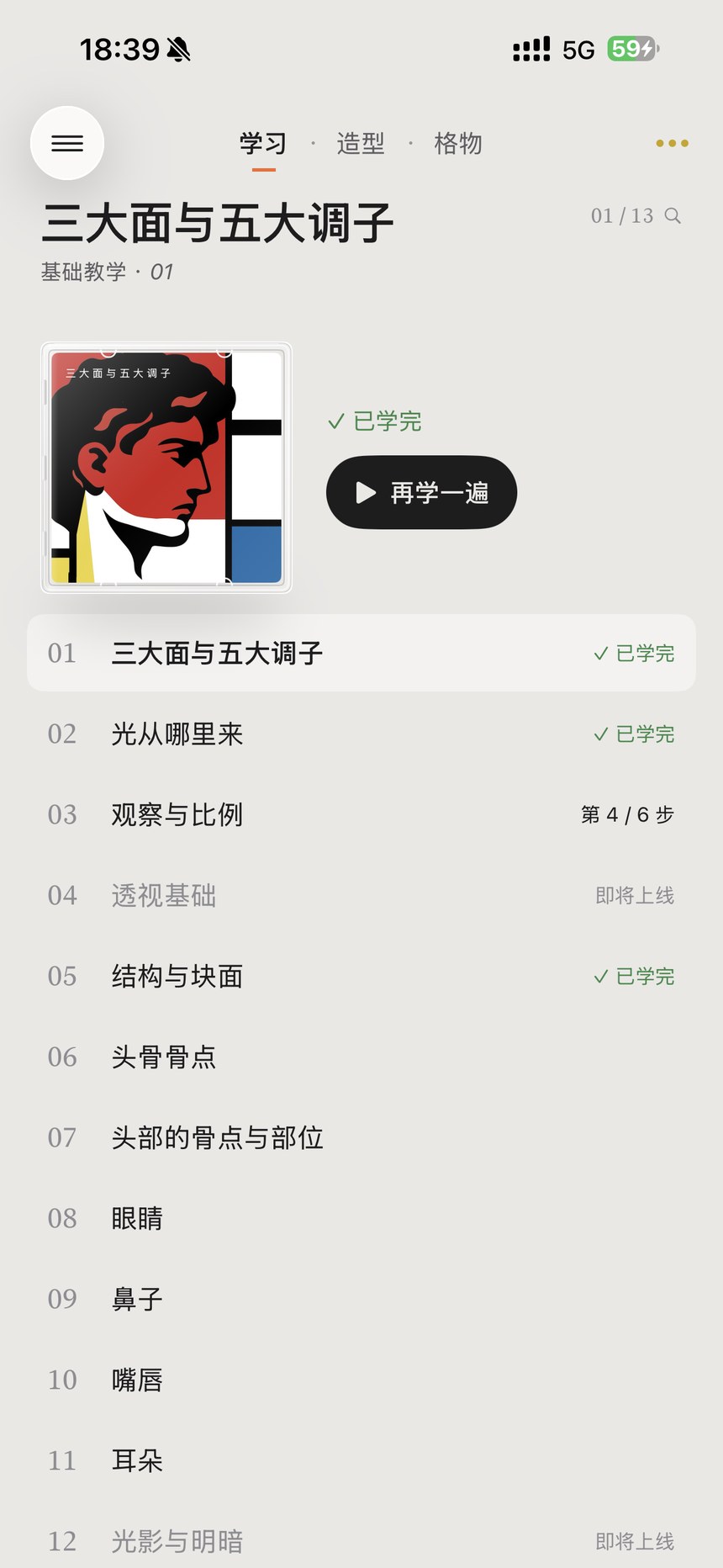
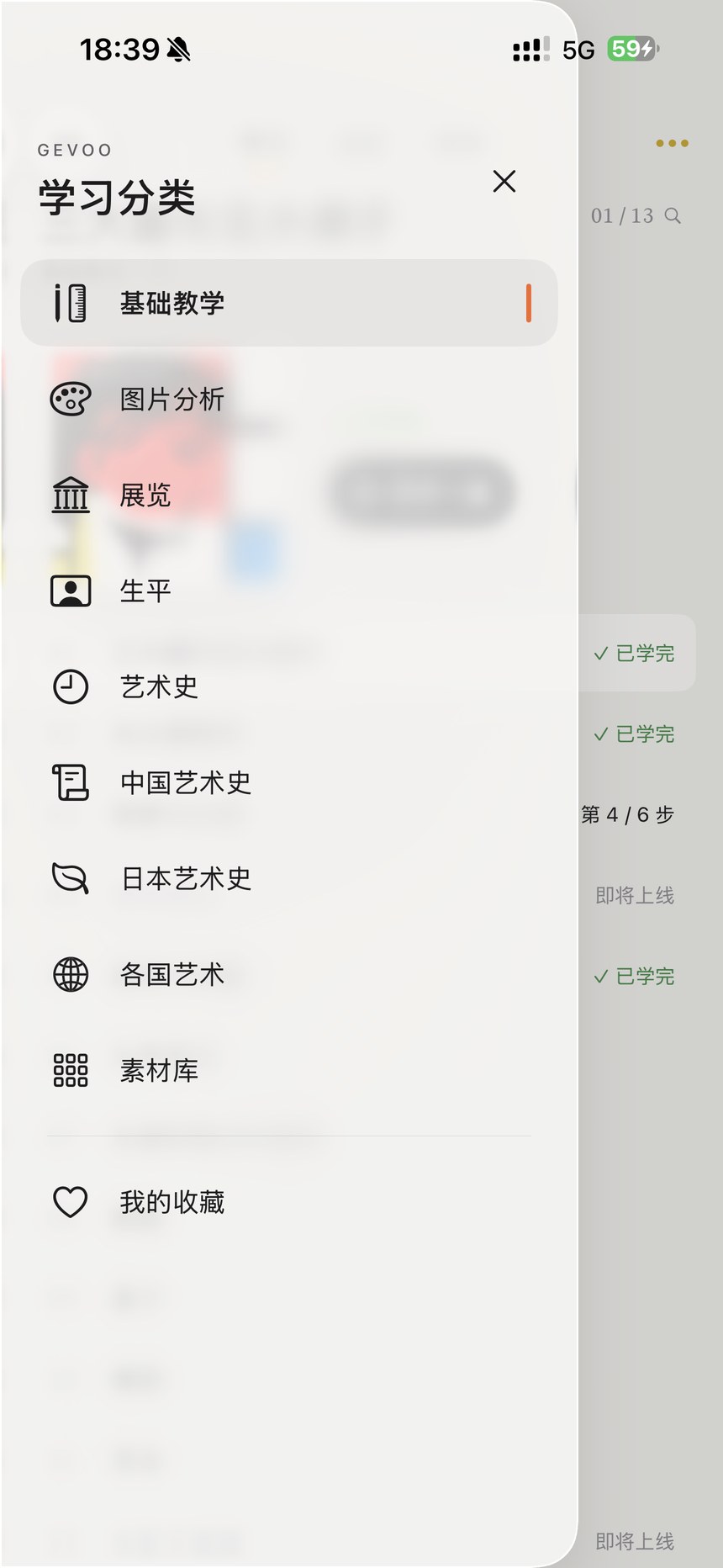
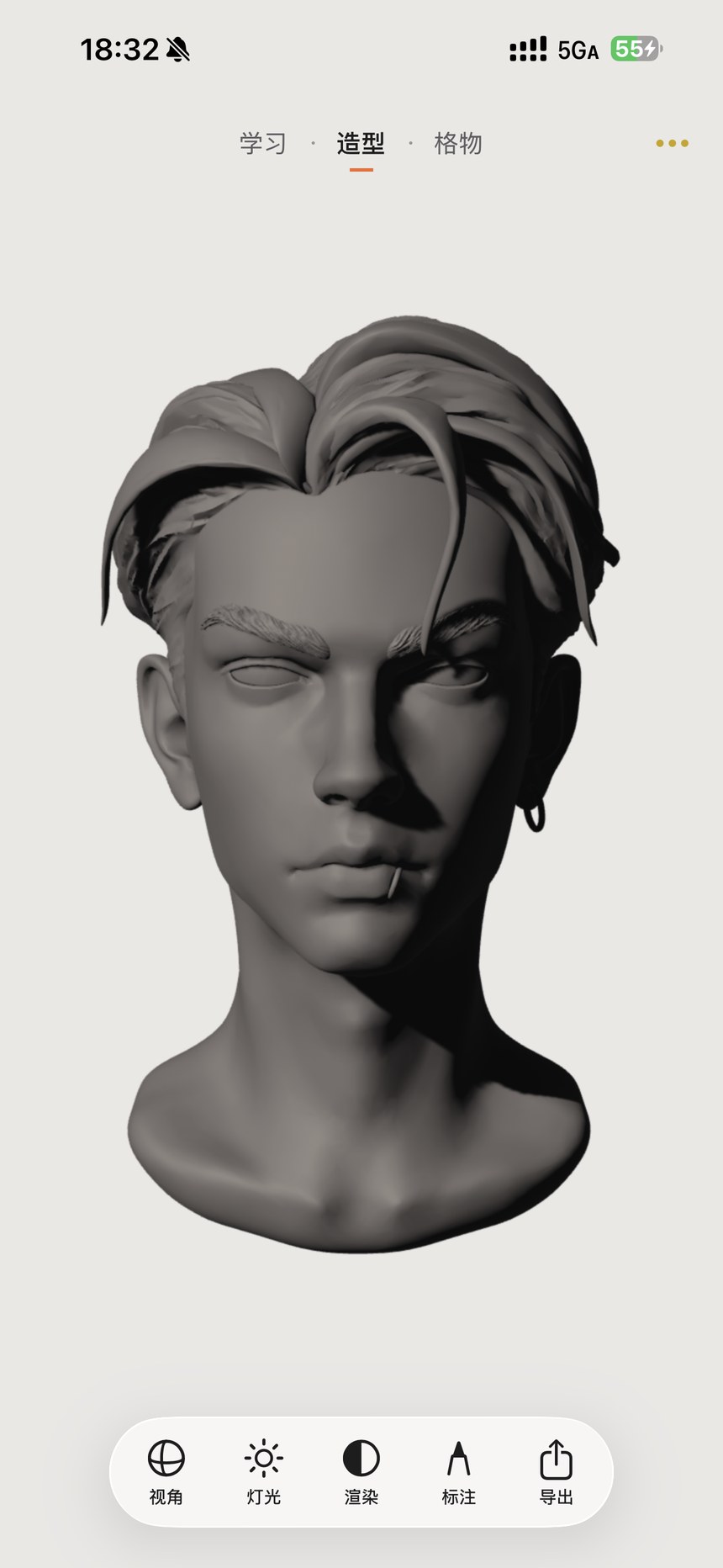
Find your way around & use gestures
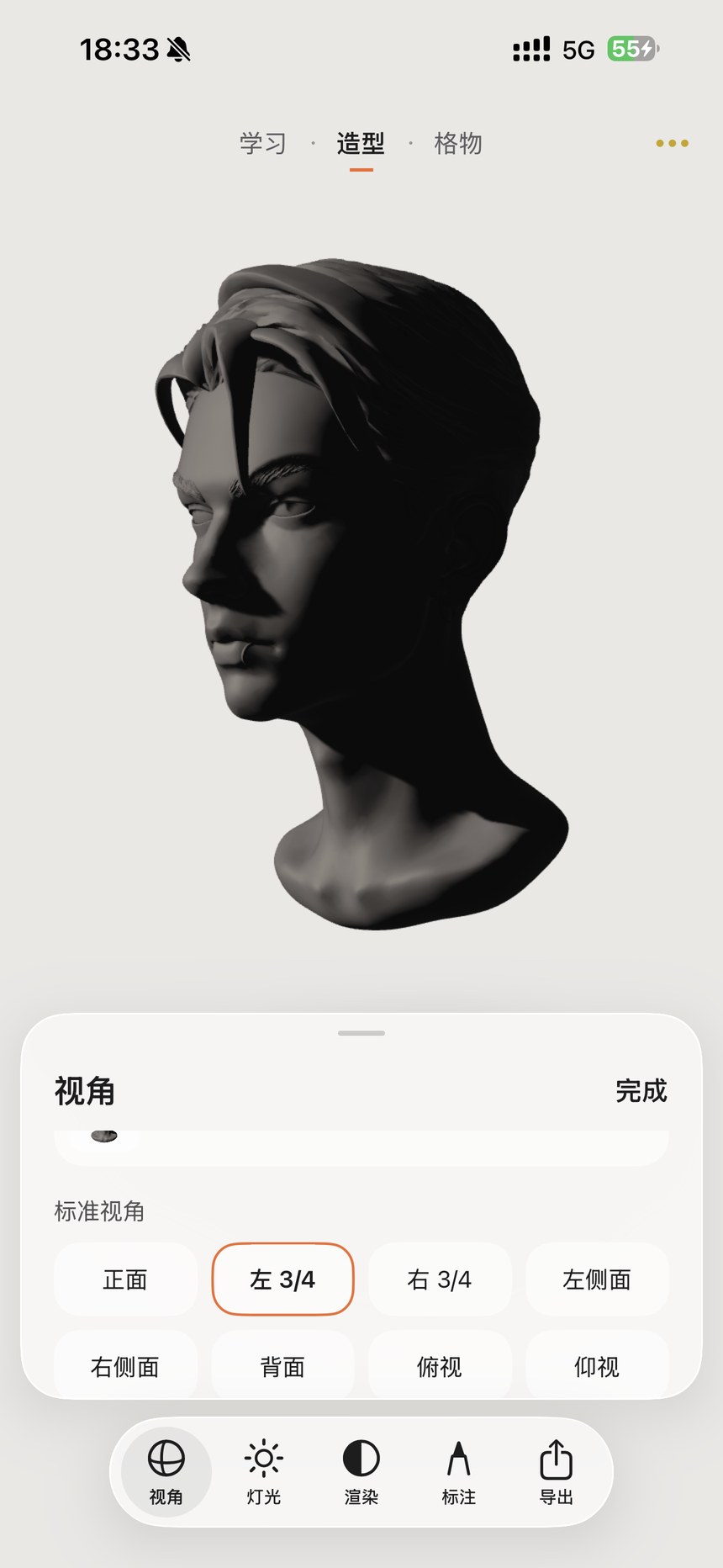
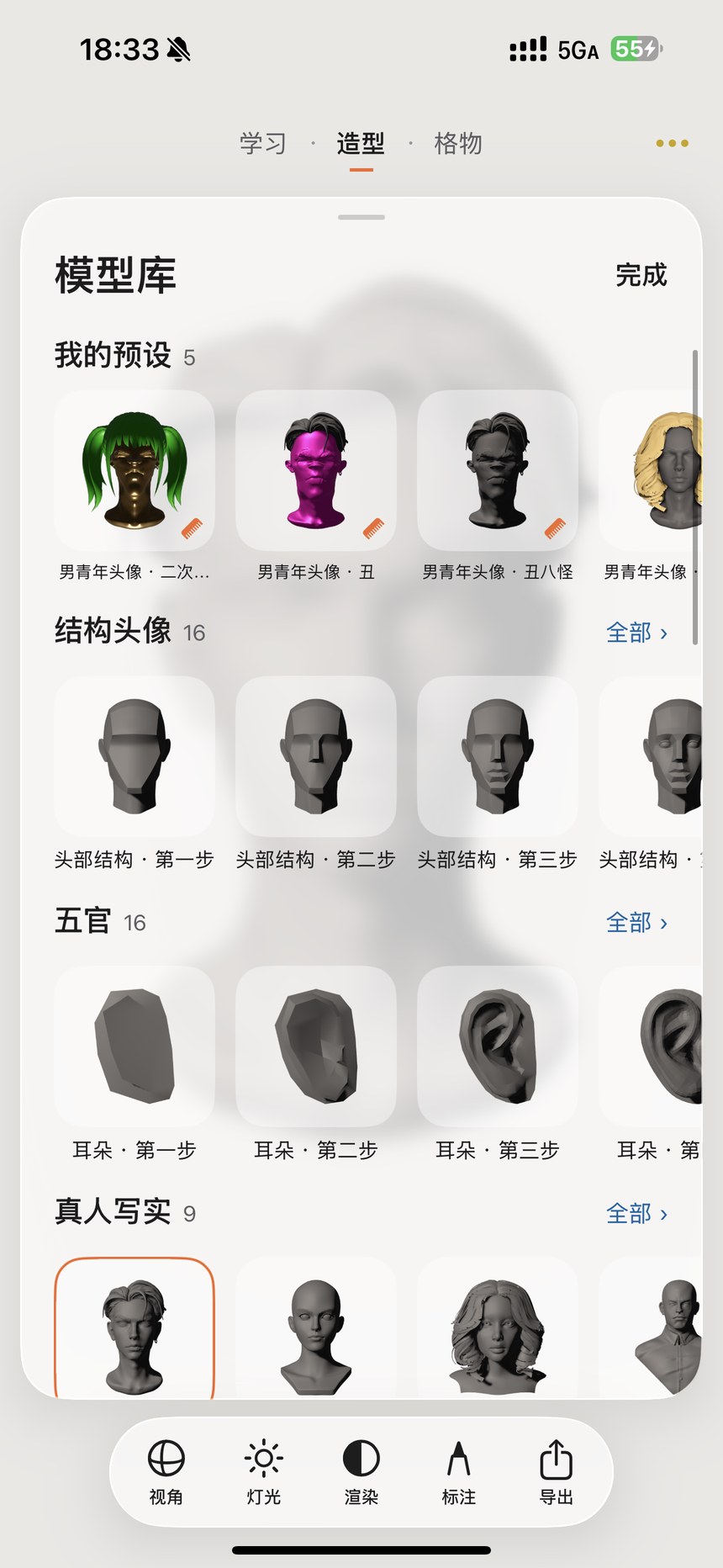
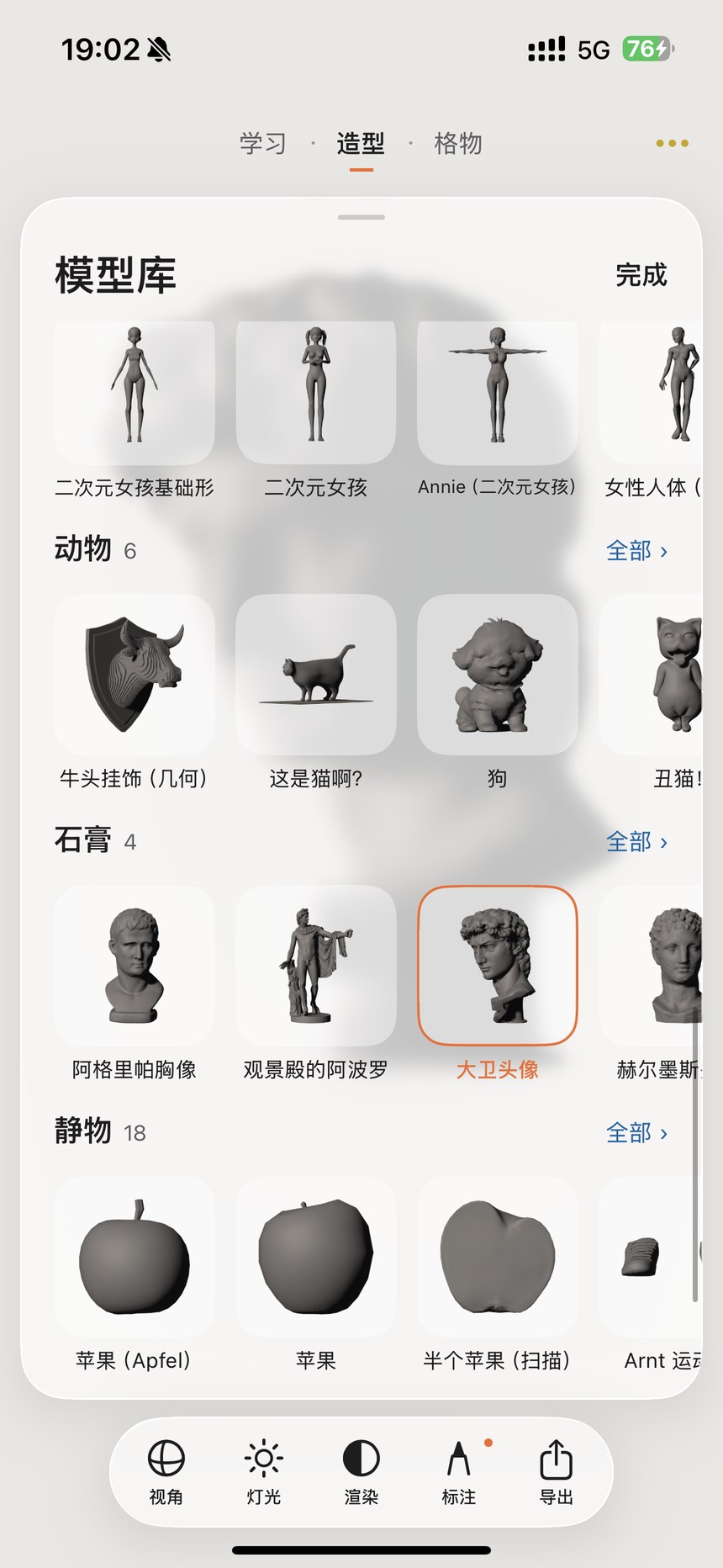
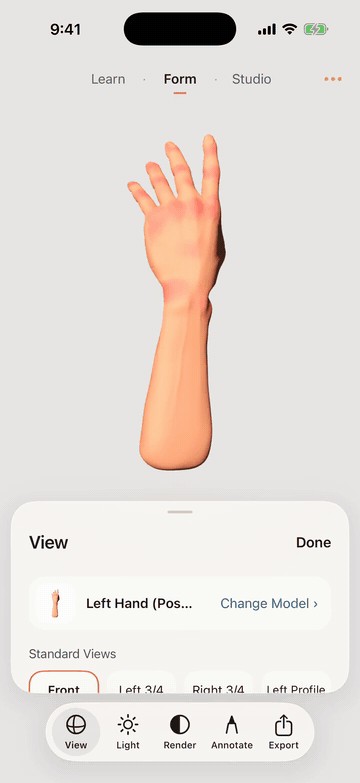
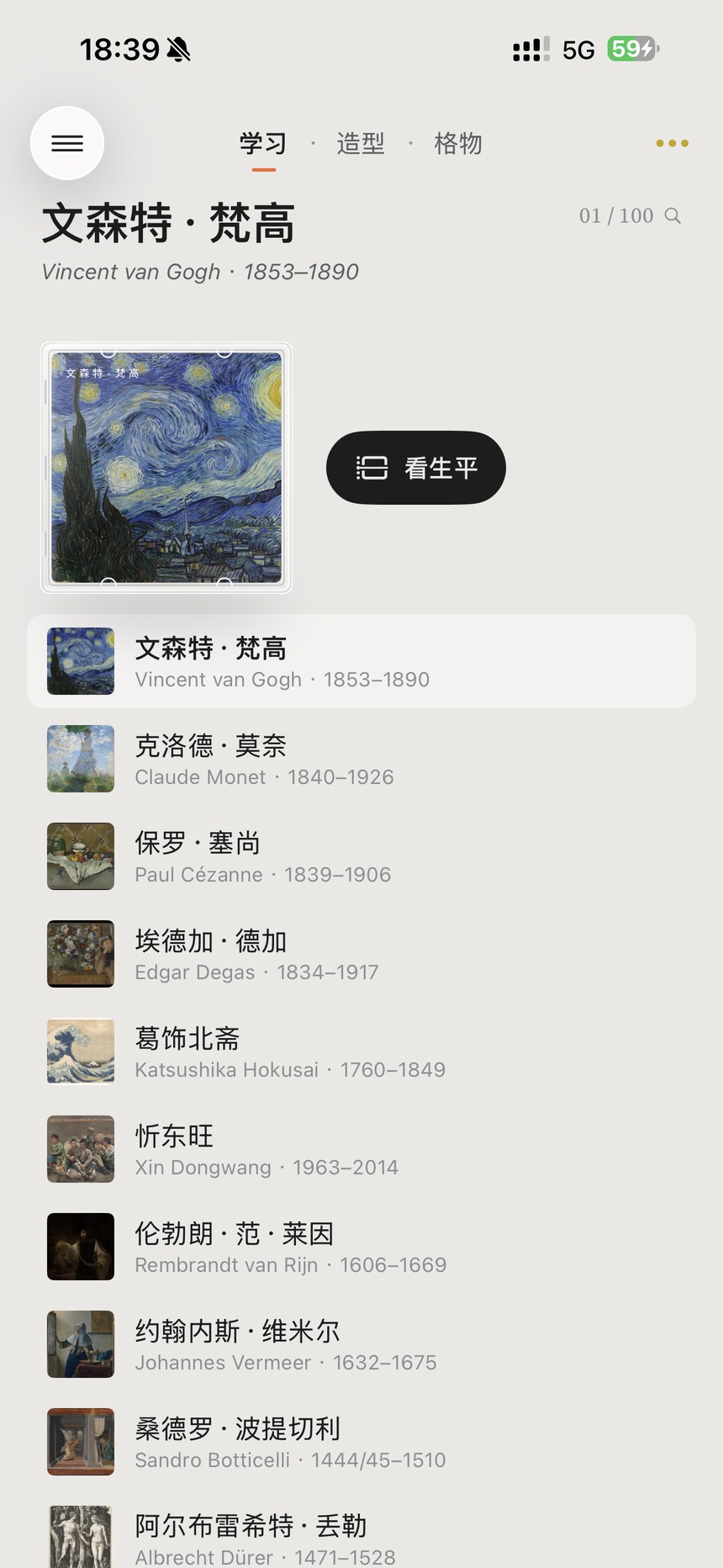
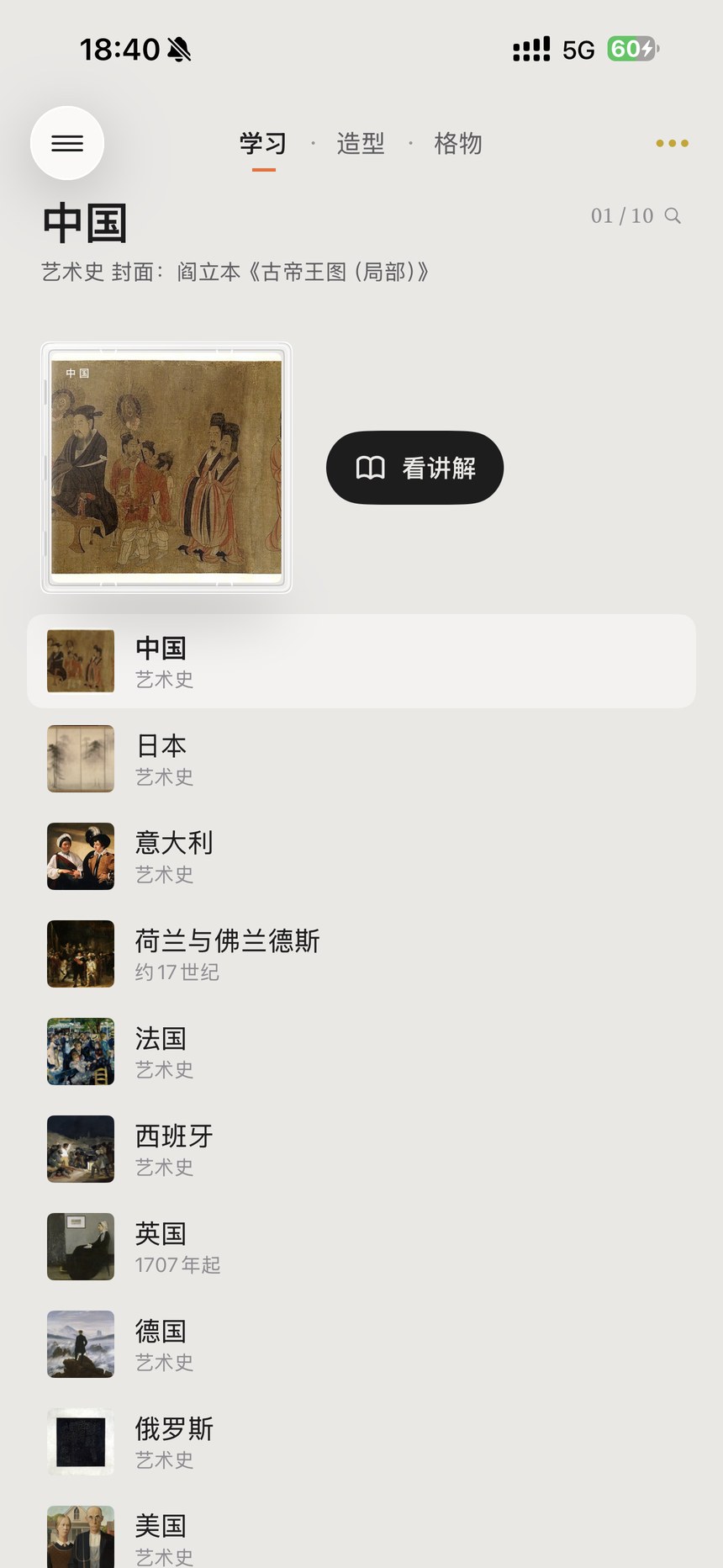
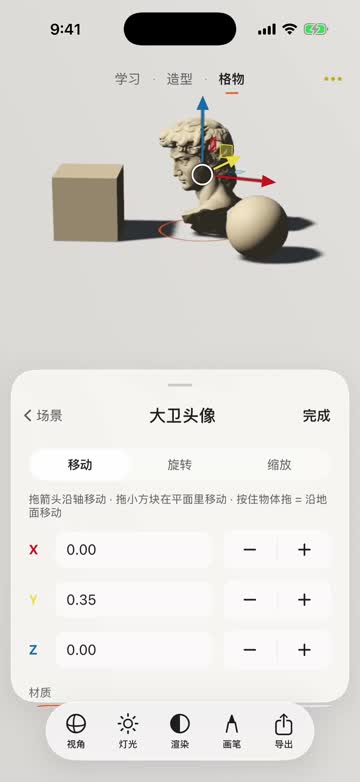
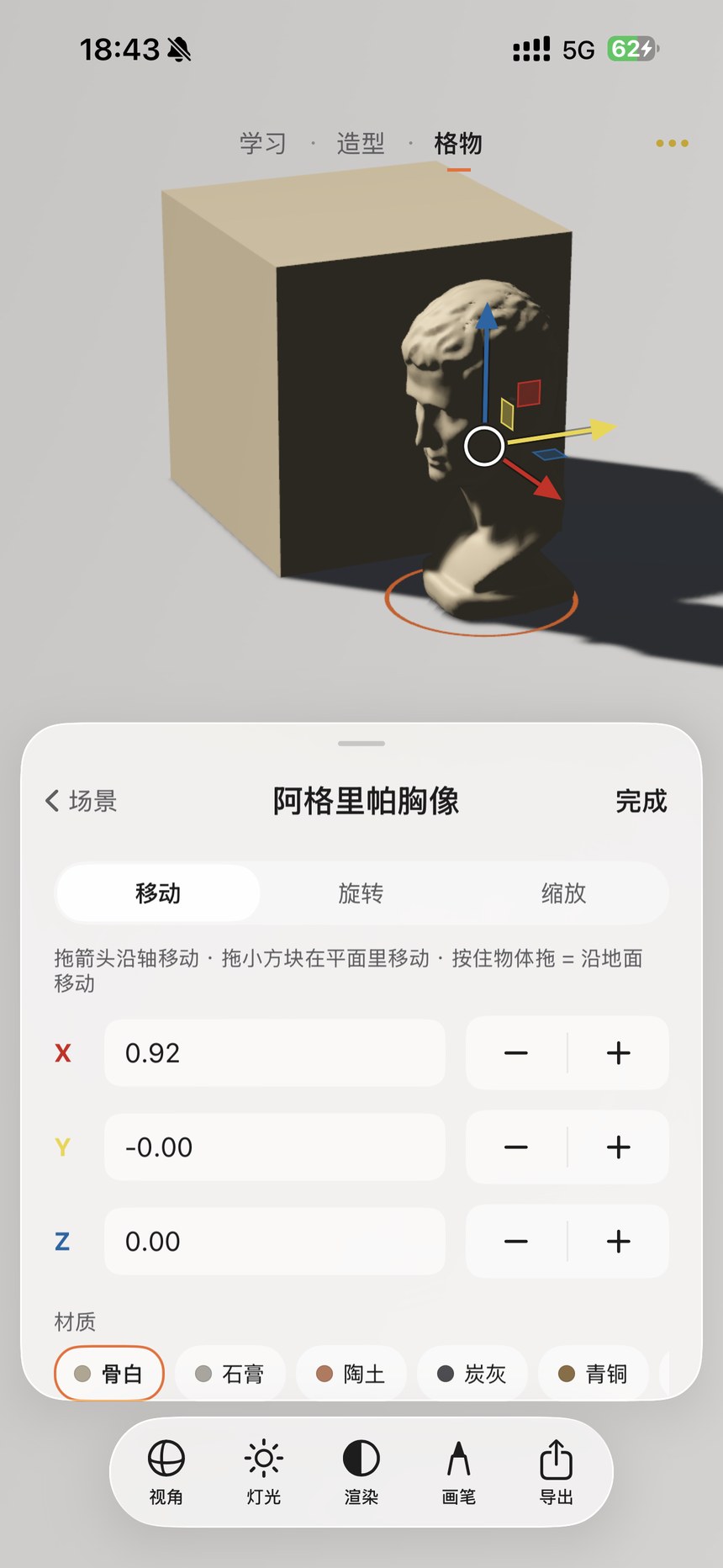
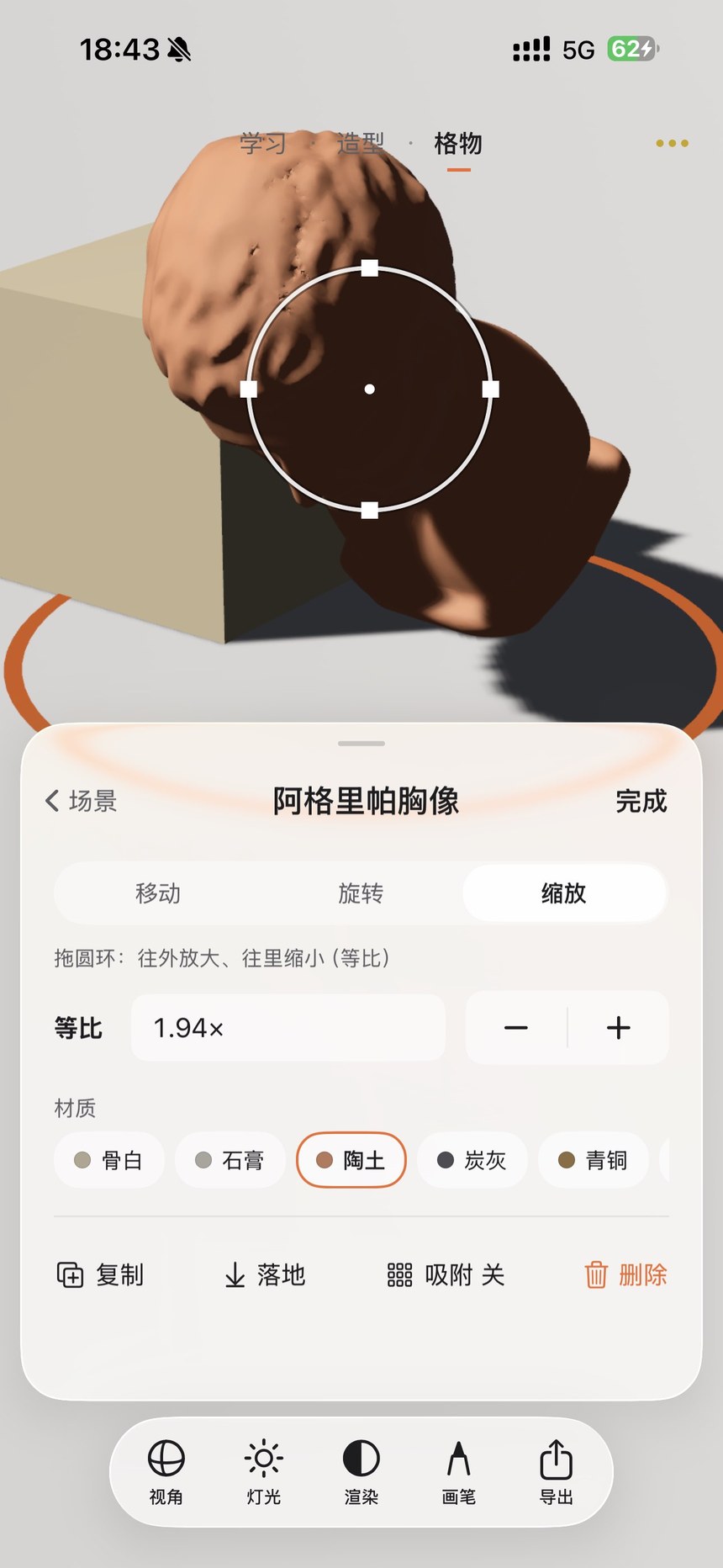
Learn, Form and Workshop bring together lessons, single-model studies and multi-object compositions.
- Tap a tab at the top or swipe between pages. An orange underline marks the current page.
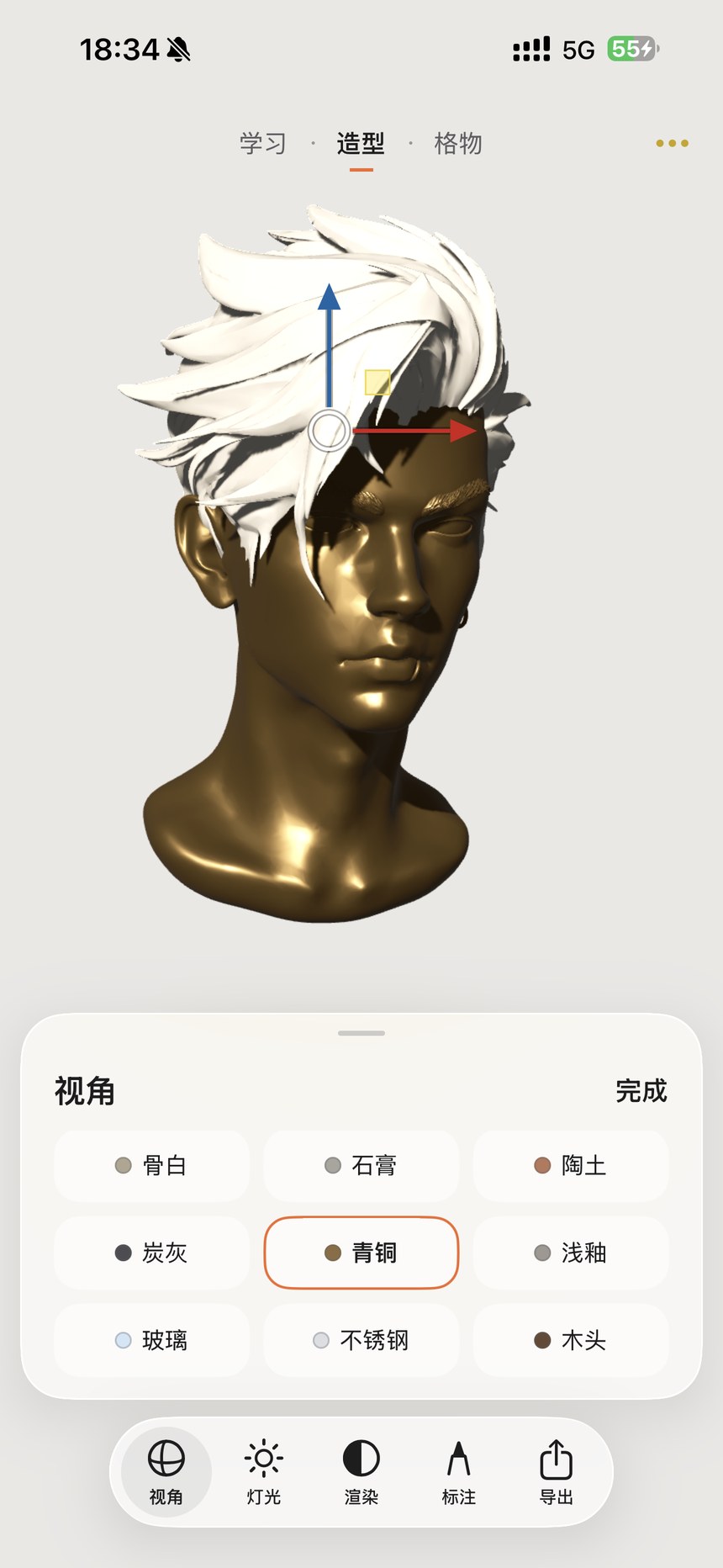
- Drag with one finger to rotate. Pinch with two fingers to zoom, or drag both fingers together to pan.
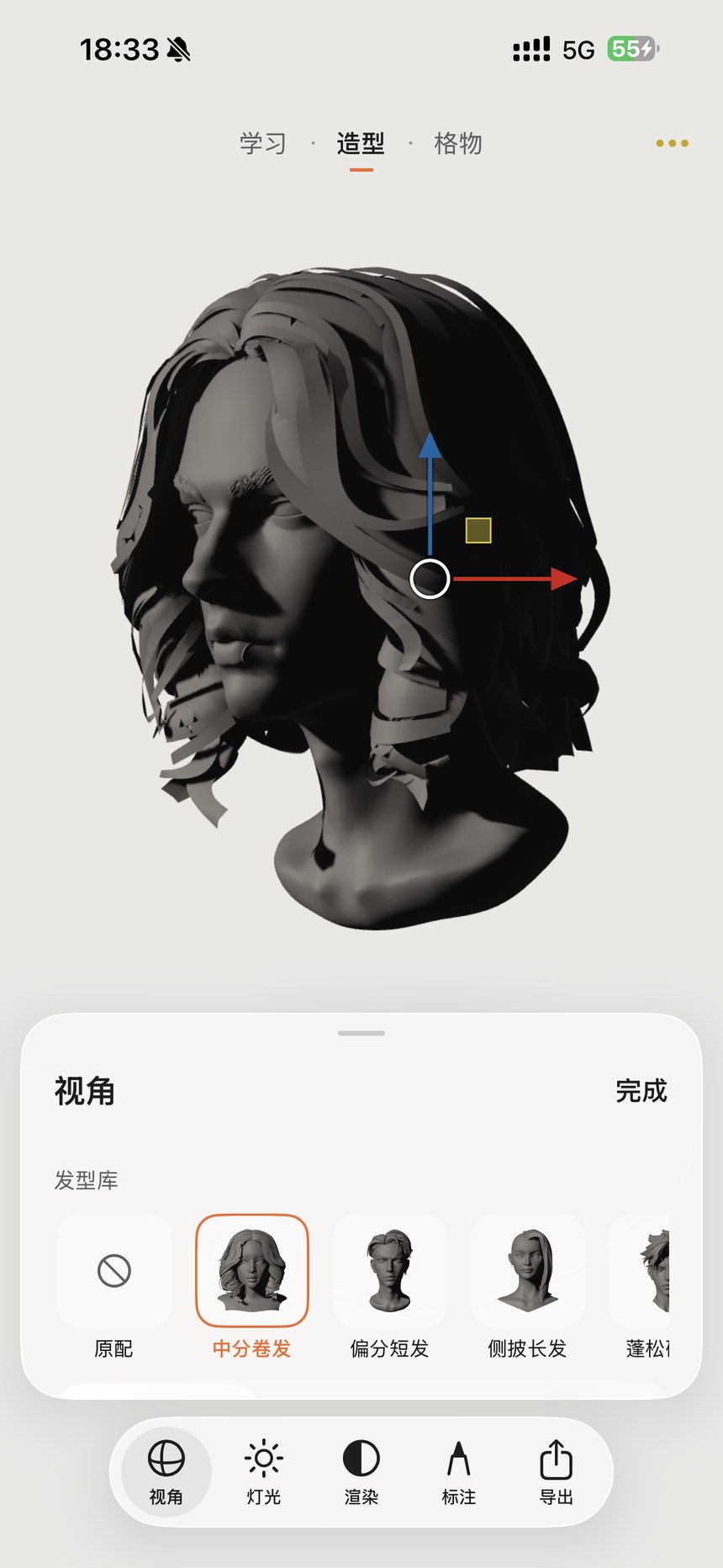
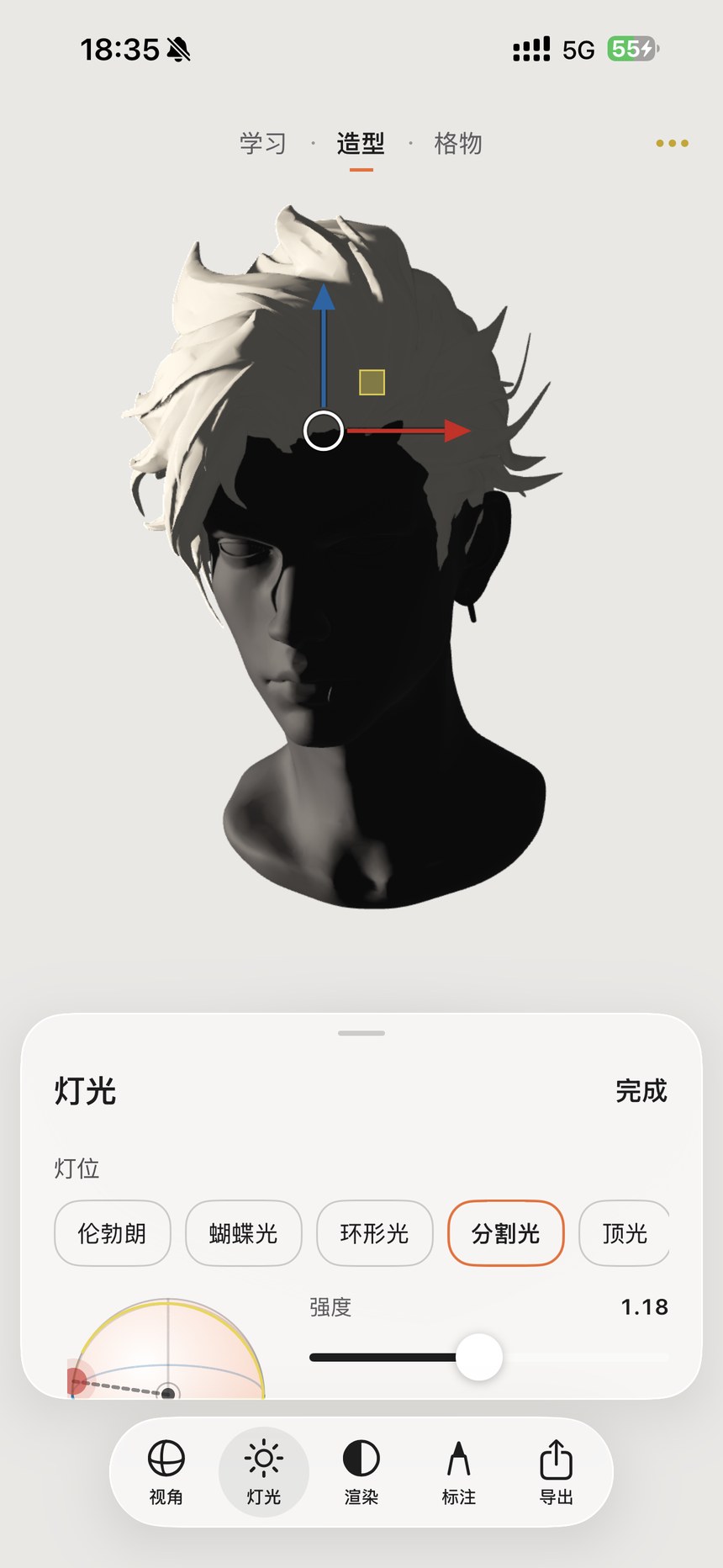
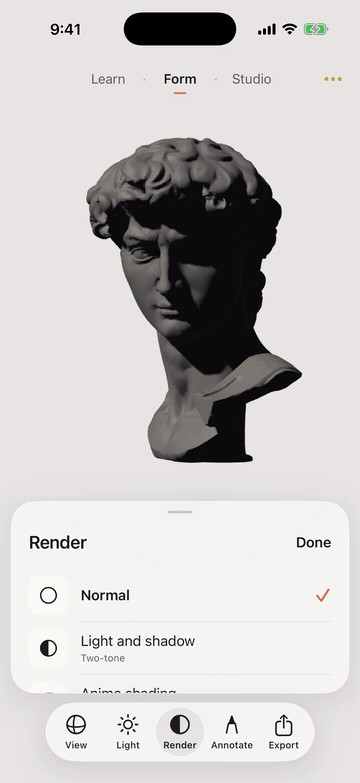
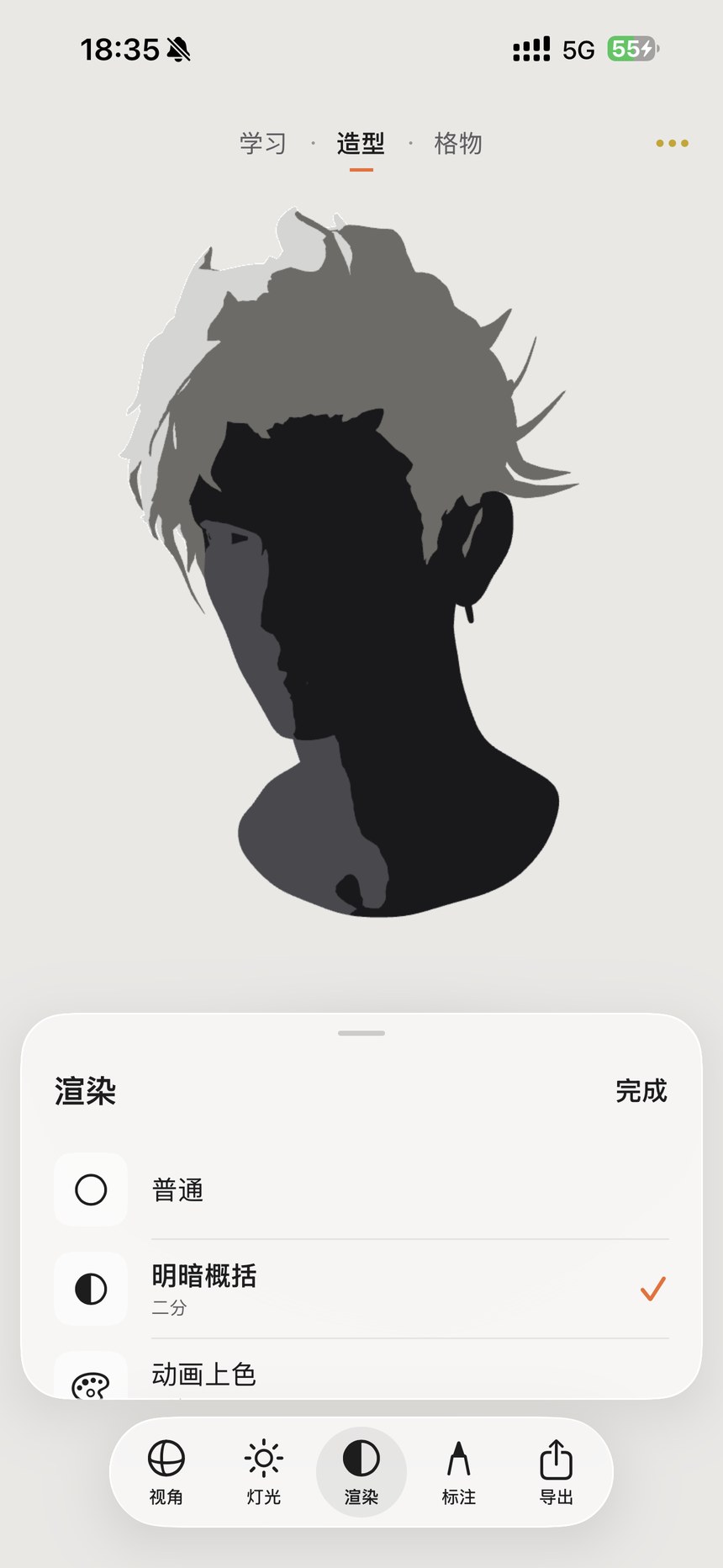
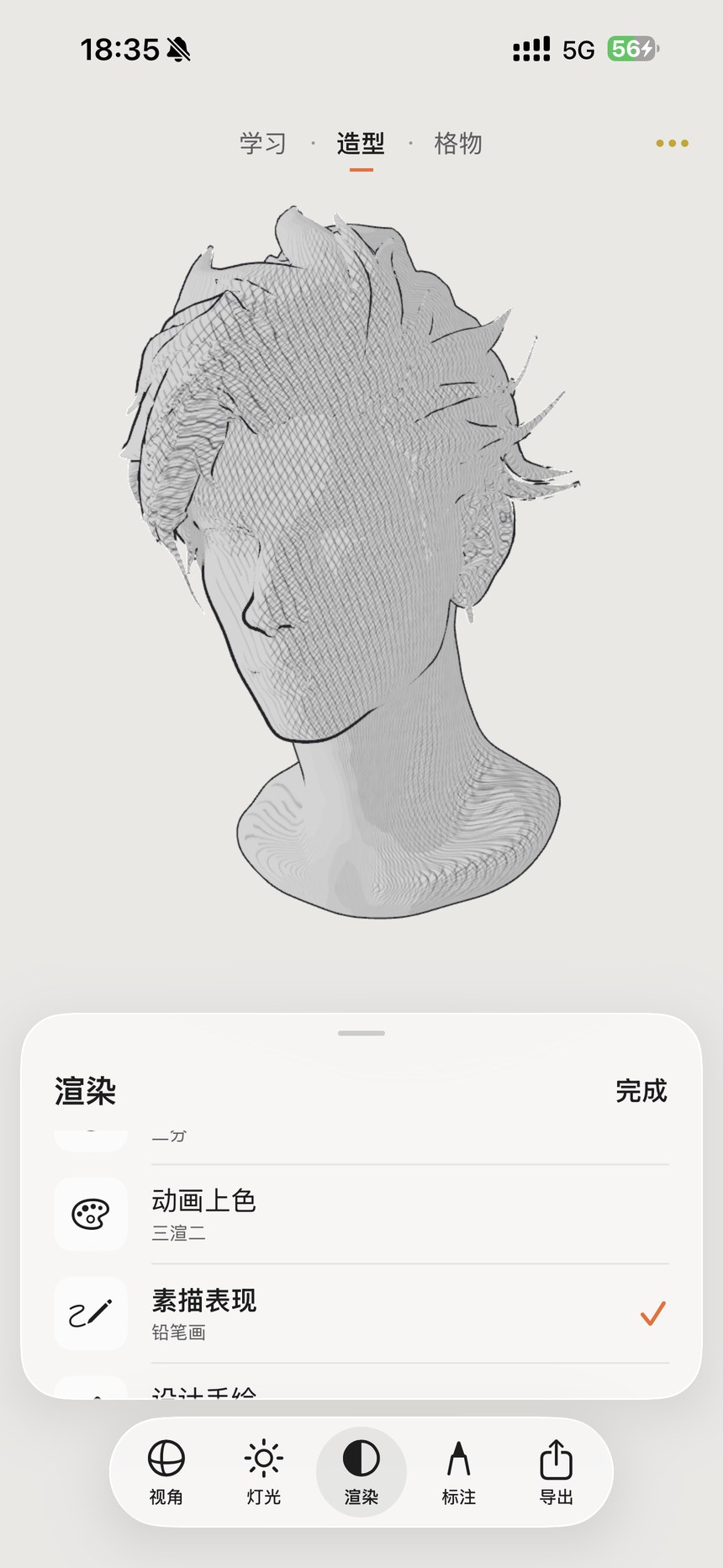
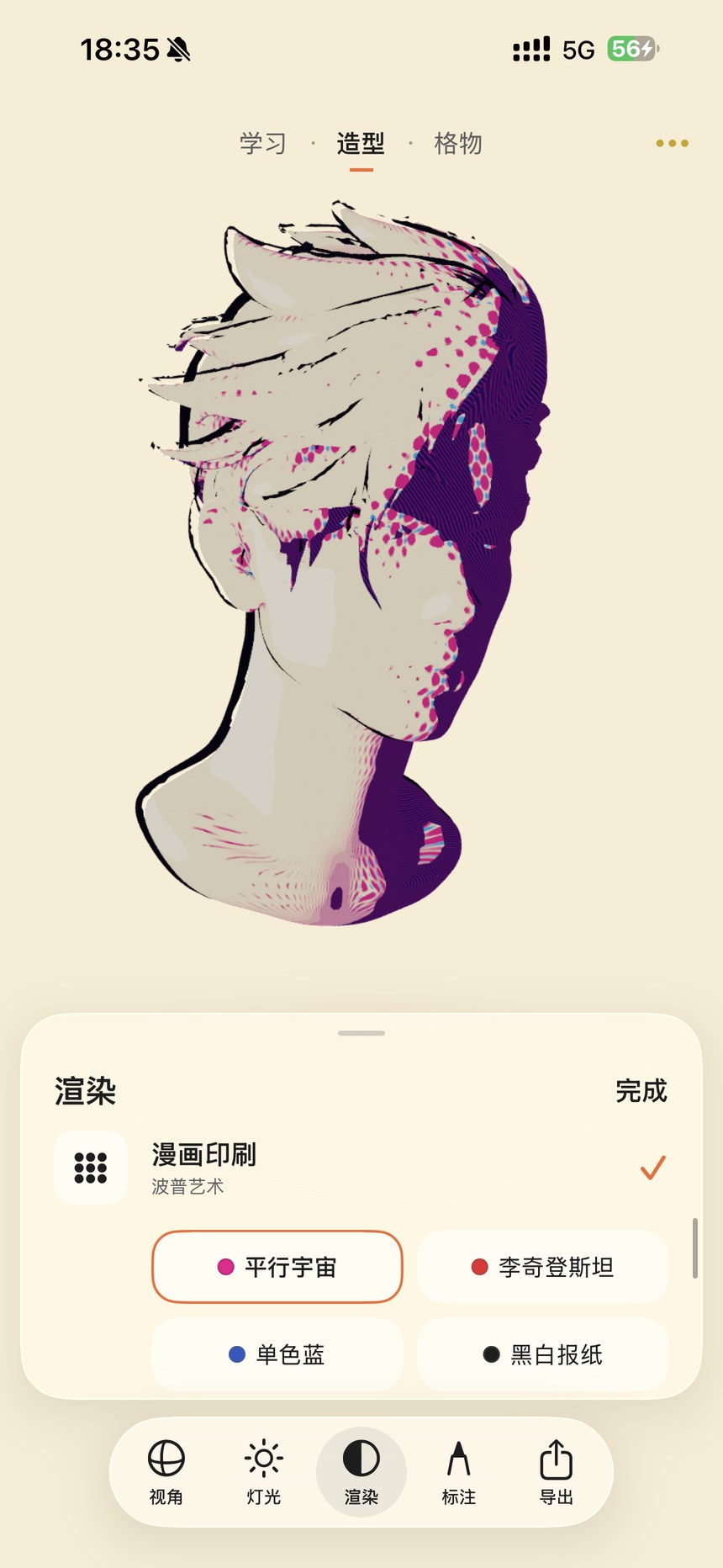
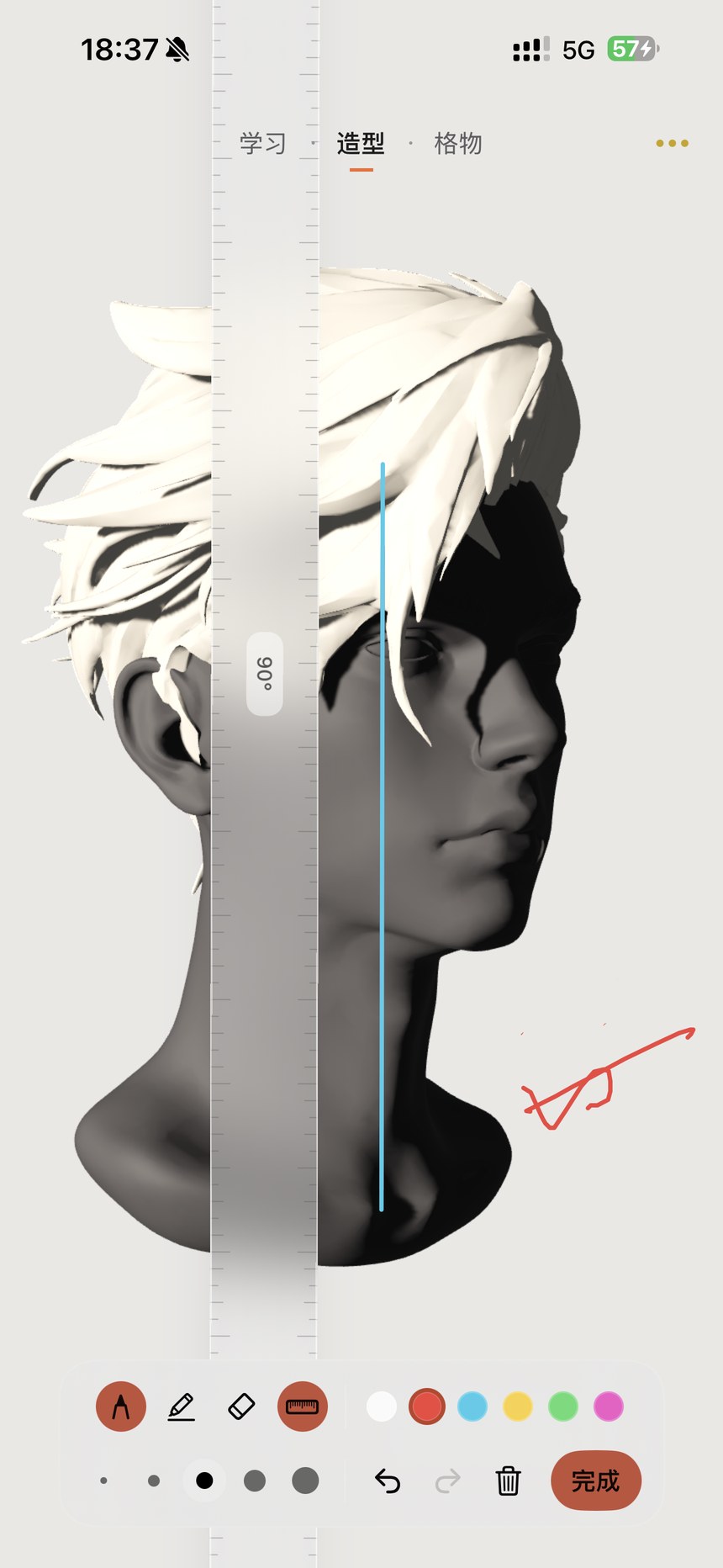
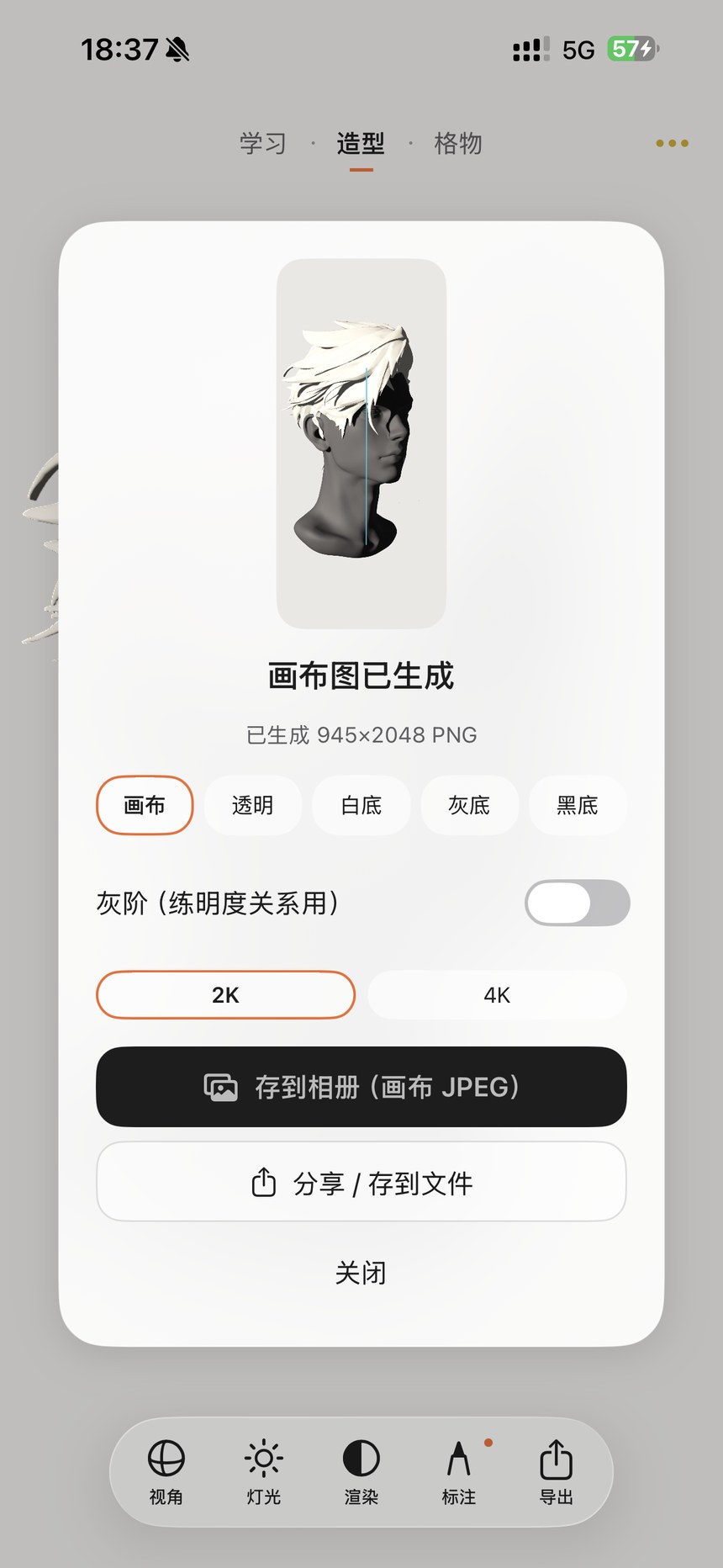
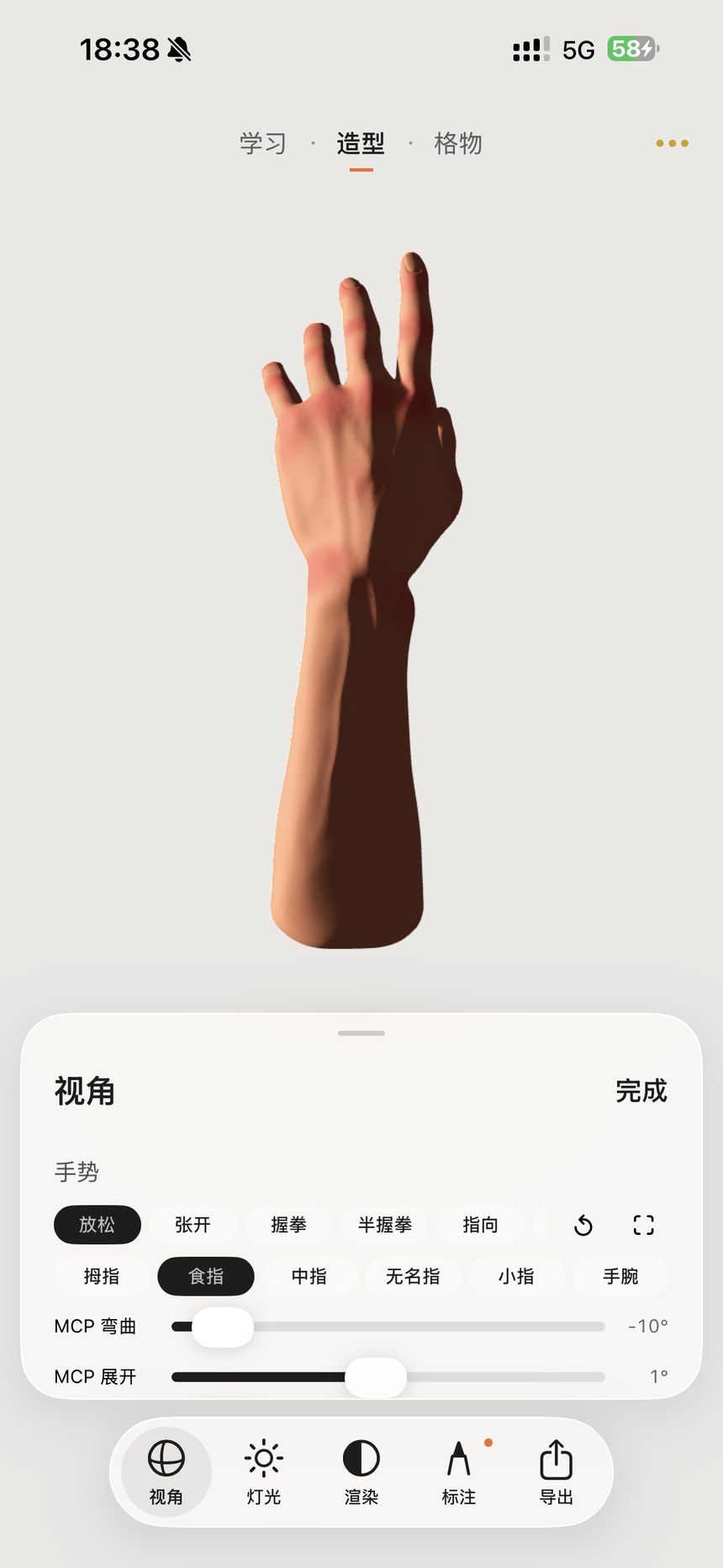
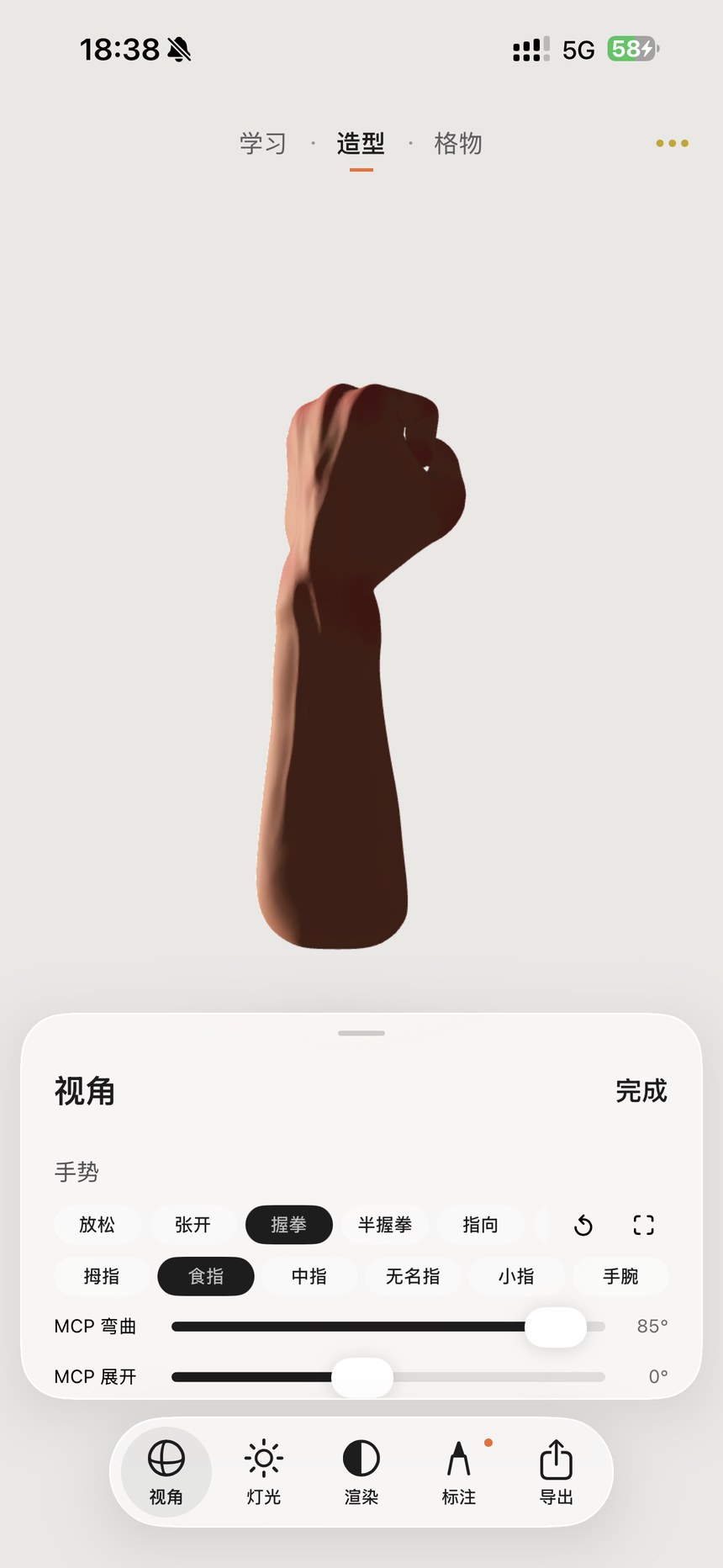
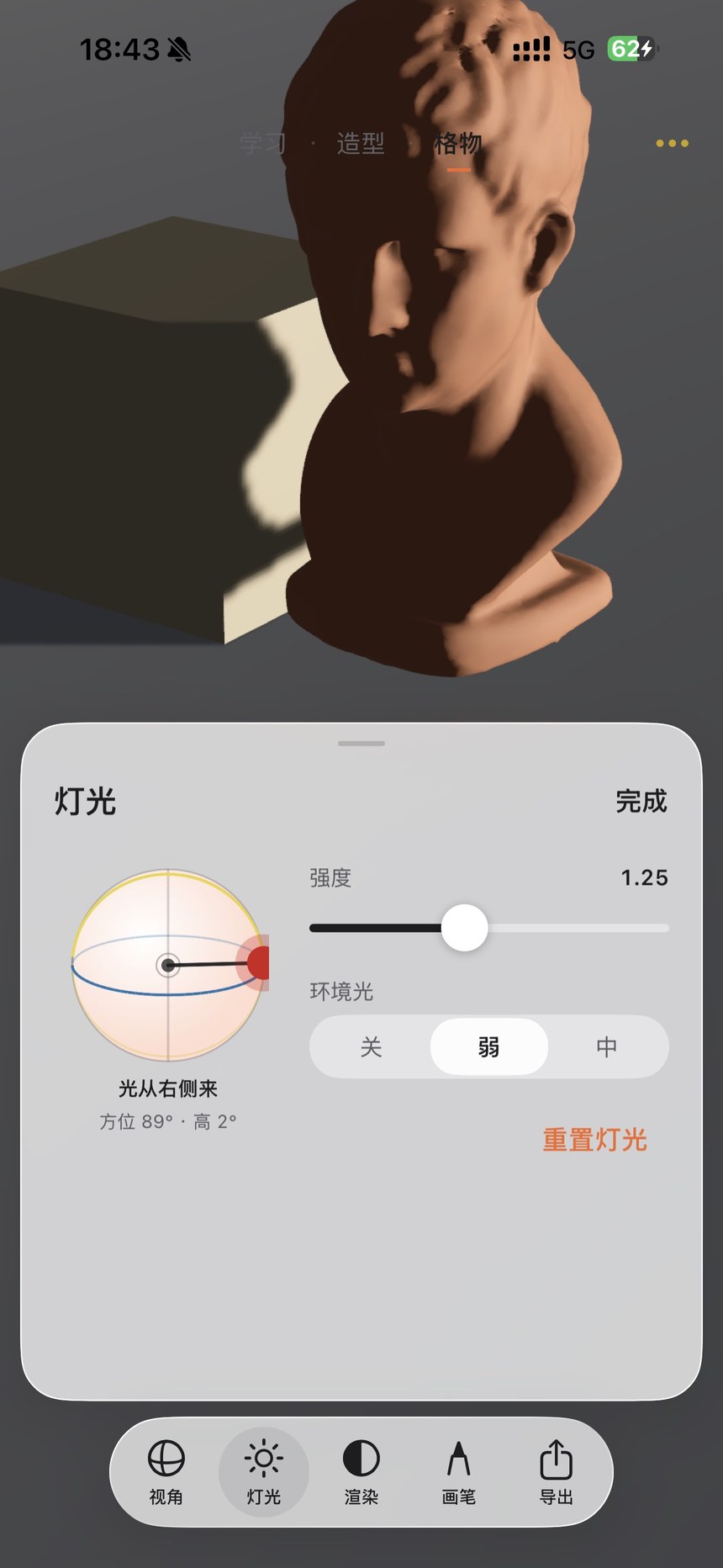
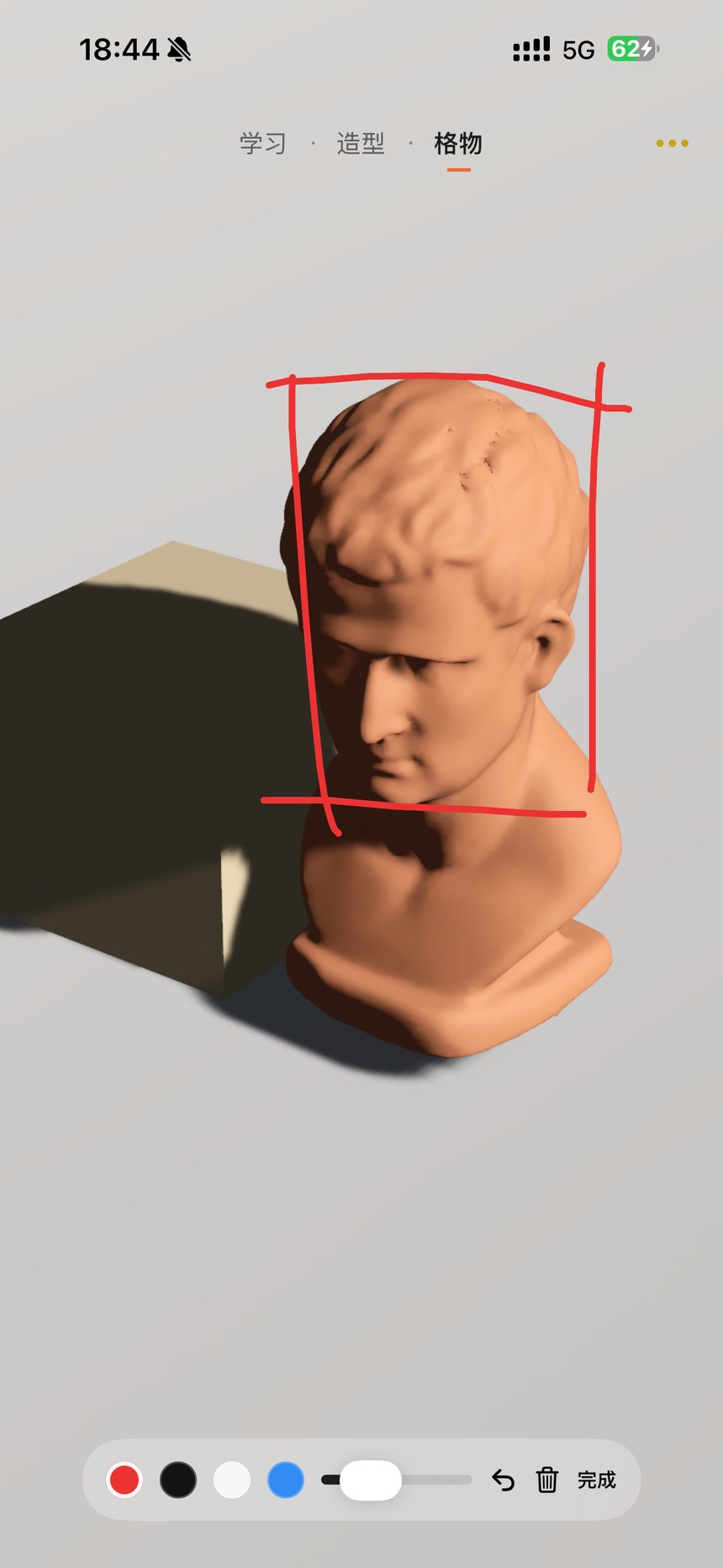
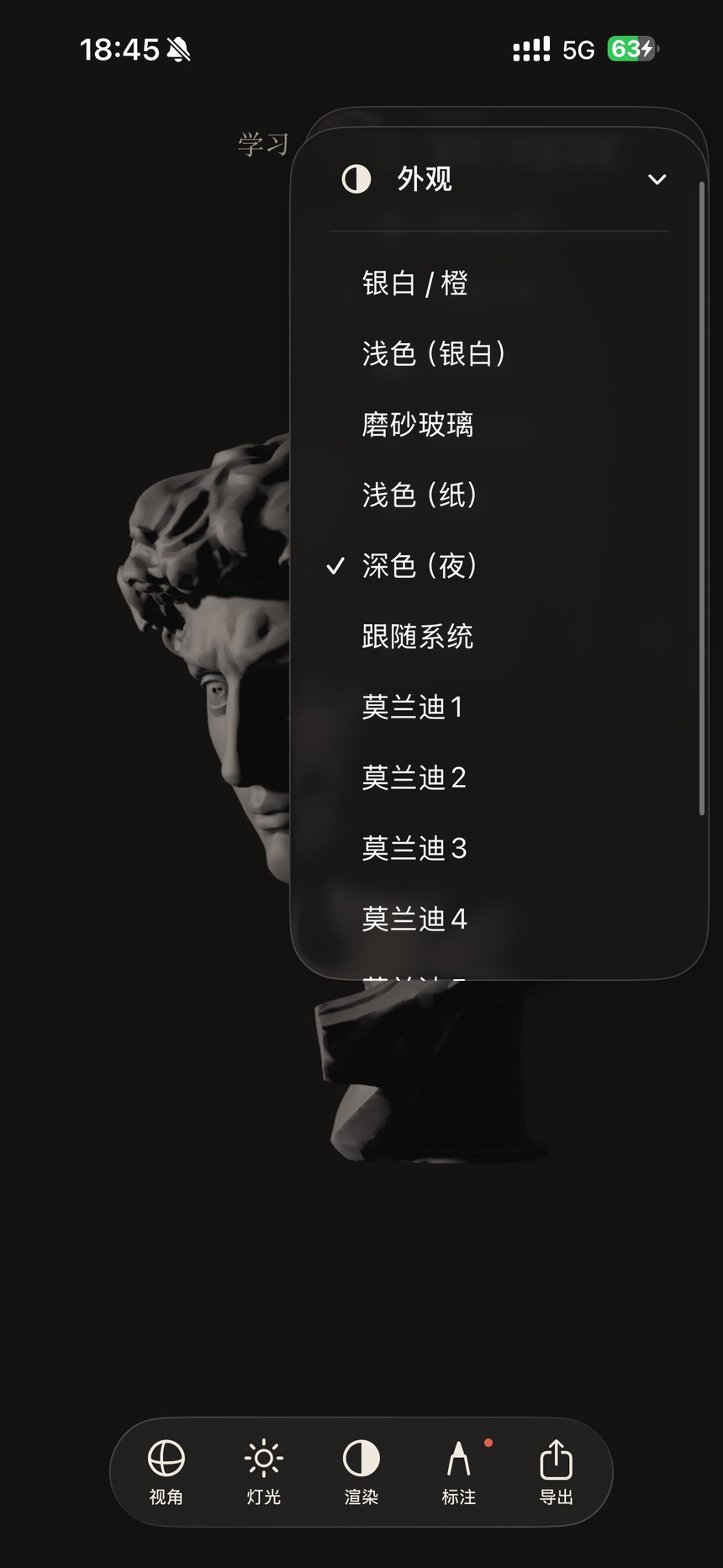
- The Form toolbar contains View, Lighting, Render, Annotate and Export. Open the three-dot menu for more options.
Set the main viewing angle before adjusting the light. The model stays at that angle when you release it.
 Enlarge screenshot ↗